Away from your desk. Your status stays green.
Going to the bathroom or refilling your drink shouldn't make you look offline. StayGreen keeps your status green for those few minutes, so your teammates know you're still around and message you like usual. When you come back and move the mouse, it stops.
Works with Teams, Slack, Discord and other chat apps that set you to Away when your PC is idle.
Free for Windows 10 and 11. One file, no sign-up.
How it works
When you step away
After a minute of no activity, StayGreen sends a small signal so your PC knows someone's still there. It doesn't type or click anything, and nothing changes on screen, but your chat apps see you as active.
When you come back
Touch the mouse or keyboard and it stops right away.
After work
Set your work days, hours and lunch break. Outside those times it does nothing.
Basic and Pro
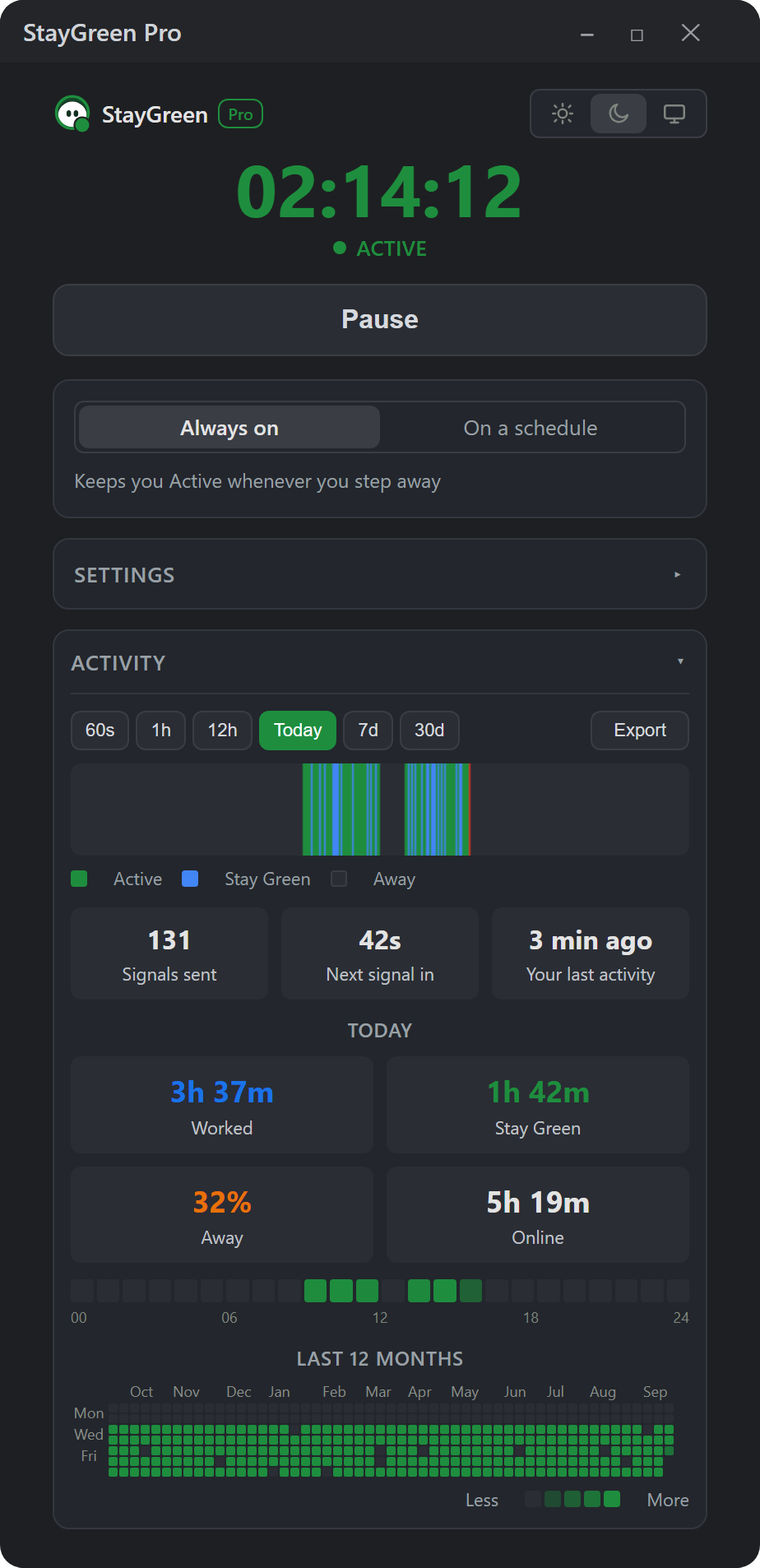
Basic does everything you need. Pro adds a few extras if you like looking at your own stats. Both are free.
| Basic | Pro | |
|---|---|---|
| Keeps you green, stops when you're back | ✅ | ✅ |
| Work hours, days and breaks | ✅ | ✅ |
| Tray icon, Thai / English, start with Windows | ✅ | ✅ |
| Signal interval and idle wait | 60 s default | Adjustable |
| Human-like timing | – | ✅ |
| Activity graph, today summary, hourly heatmap | – | ✅ |
| 12-month activity calendar | – | ✅ |
| CSV export | – | ✅ |